Assist is an advanced graphical programming software tailored to facilitate the fusion of heterogeneous data from finite element numerical simulations with essential inputs for robotic control, non-rigid registration of finite element models, and augmented reality. The software provides a platform for smooth data exchange between different processors and libraries, integrating popular libraries such as OpenCV, ROS2, SOFA, CUDA, and Python.
The Assist Core Plugin serves as the foundational component of the Assist software, providing essential functionalities for data processing, workflow management, and integration with external libraries.
Features
- Data Processing: Offers a wide range of tools and algorithms for manipulating and analyzing data from various sources, including finite element simulations, robotic control inputs, and augmented reality data.
- Workflow Management: Facilitates the creation, visualization, and execution of complex data processing workflows through an intuitive graphical interface.
- Library Integration: Seamlessly integrates with popular libraries such as OpenCV, ROS2, SOFA, CUDA, and Python, enabling interoperability and extensibility.
- Modular Design: Designed with modularity in mind, allowing users to compile and run only the necessary components of the software, enhancing efficiency and customization.
- Documentation: Provides comprehensive documentation and support resources to aid users in understanding and utilizing the functionalities of the Assist Core Plugin.
Usage
The Assist Core Plugin is a foundational component of the Assist software stack and is typically included in every installation of Assist. It forms the backbone of data processing workflows and serves as the interface for integrating with other plugins and external libraries.
For more information about the Assist Core Plugin and its functionalities, please refer to the official documentation available on the Assist website: https://assist.cnrs.fr/
Assist streamlines integration with diverse open-source libraries, expanding beyond SOFA’s focus on interactive medical simulation. This enables users to seamlessly access simulation data for visualization, modification, and continuous interaction among software components. Furthermore, Assist features a live coding functionality, promoting agile algorithm development. Through its integration with ROS2, Assist elevates the quality and robustness of robotic control applications by isolating processes and ensuring dependable communication. Whether augmenting simulation interactivity or optimizing robotic control, Assist stands as a versatile tool driving innovation across a spectrum of domains.
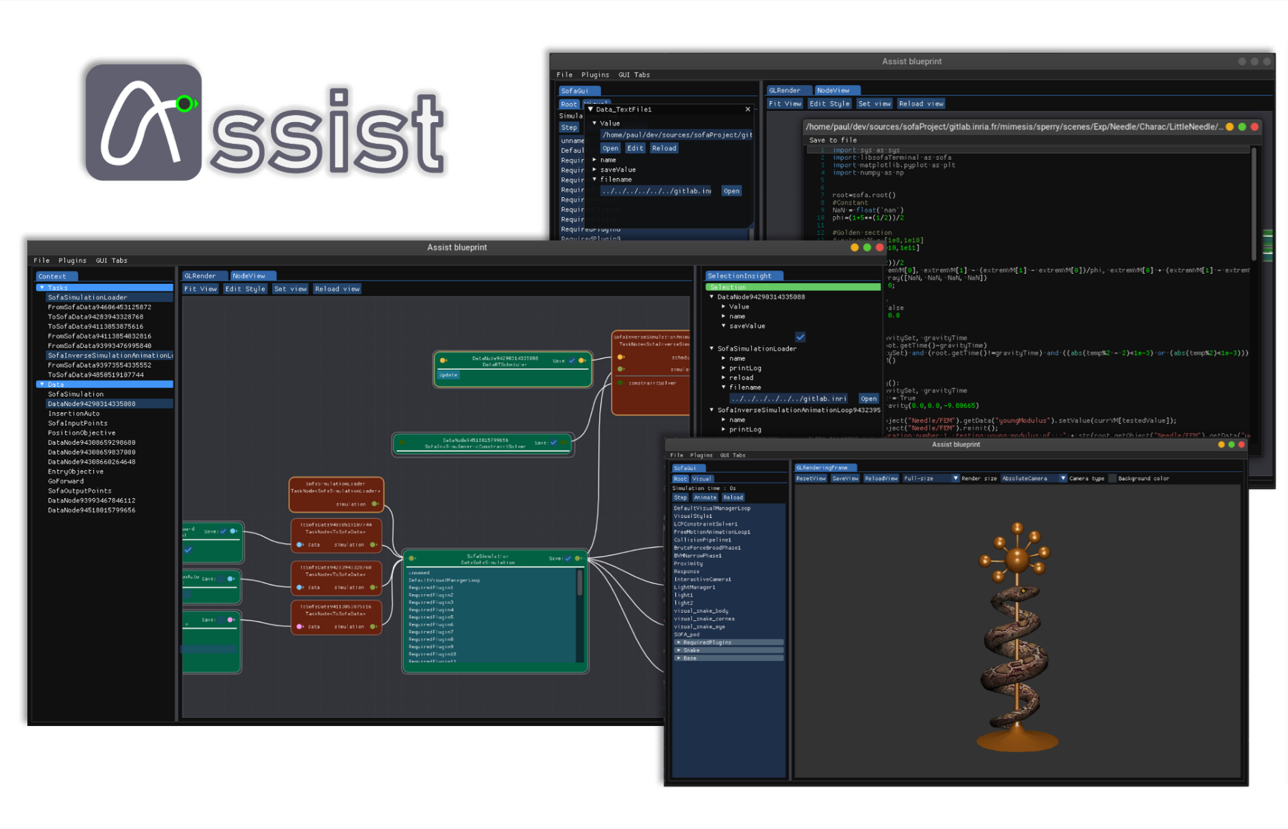
| Unifying Libraries for Dynamic Innovation Assist streamlines integration with diverse open-source libraries, expanding beyond SOFA’s focus on interactive medical simulation. This enables users to seamlessly access simulation data for visualization, modification, and continuous interaction among software components. Furthermore, Assist features a live coding functionality, promoting agile algorithm development. Through its integration with ROS2, Assist elevates the quality and robustness of robotic control applications by isolating processes and ensuring dependable communication. Whether augmenting simulation interactivity or optimizing robotic control, Assist stands as a versatile tool driving innovation across a spectrum of domains. |
Code Isolation and Integration Capabilities for Enhanced Simulation Interactivity One of Assist’s strengths lies in its ability to isolate code segments that can function independently, generating output data based on known inputs. Users can extract specific portions of the code for analysis or modification to create new algorithms. These code segments can then be reintegrated into the simulation loop through built-in gateways between SOFA and Assist. This facilitates the retrieval of simulation data, such as mechanical matrices, internal forces, or collision information, allowing for visualization, modification, and continuous interaction between the two software. | 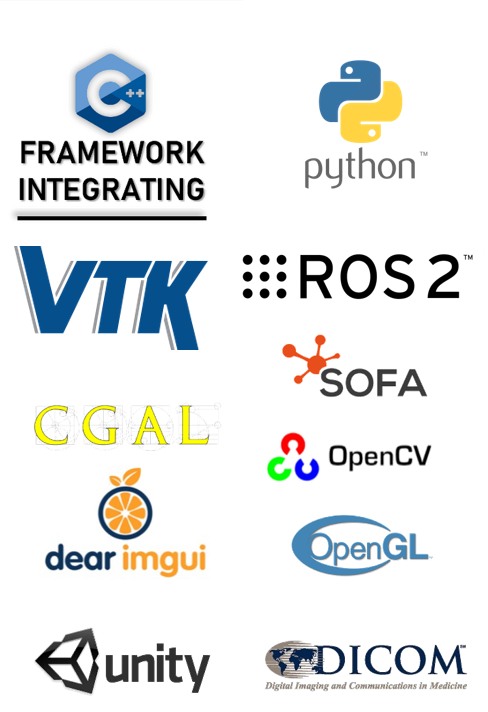
|
Table of content: